
Summary
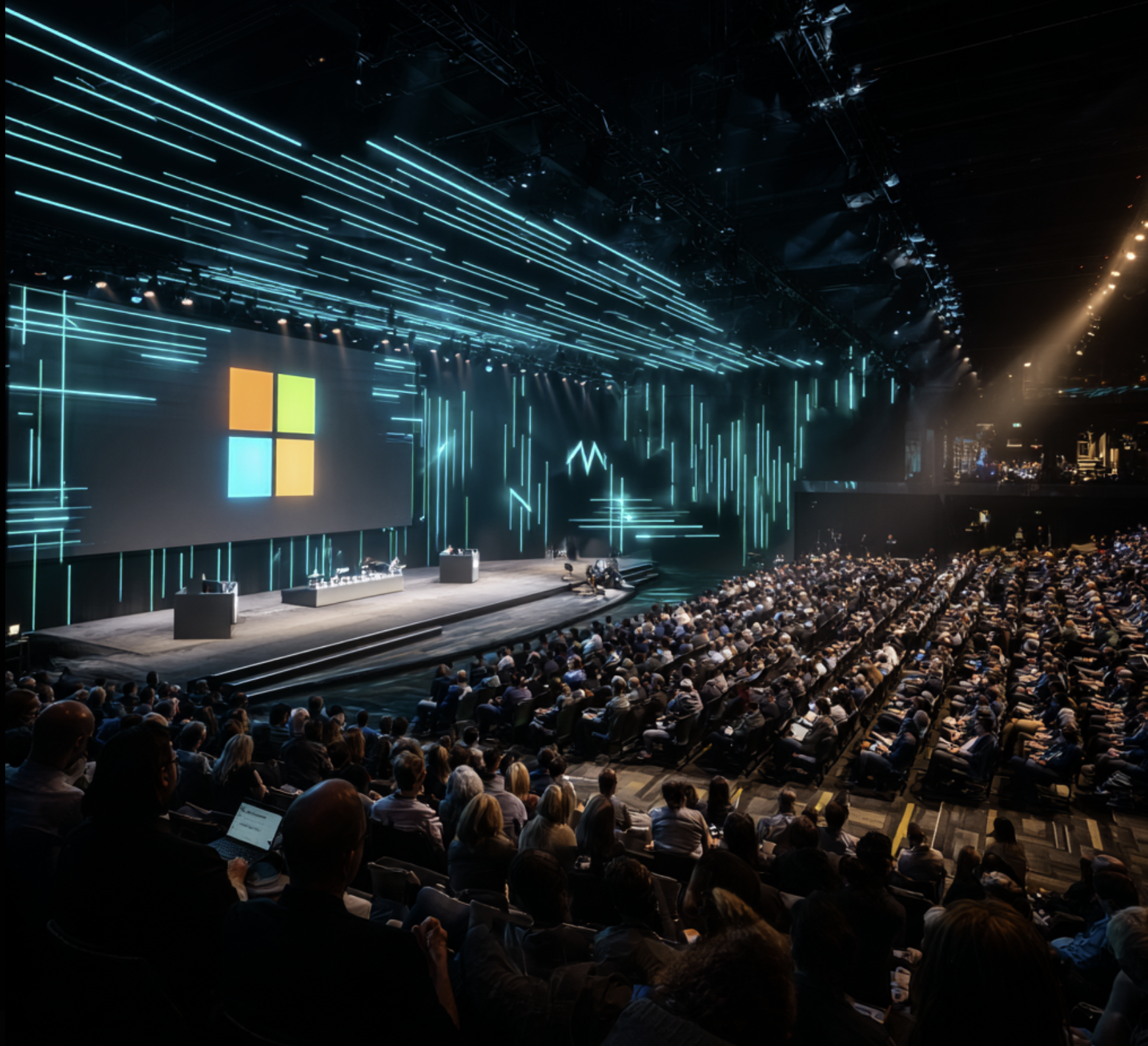
Microsoft Build 2026 was packed with AI-first announcements that matter deeply for M365 and Power Platform developers. From expanded Copilot Studio agent capabilities to new Azure AI Foundry features and GitHub Copilot going fully agentic — this was one of the most developer-focused Builds in years. Here are the highlights you need to know.
What is Microsoft Build?
Microsoft Build is Microsoft’s annual developer conference held each May. It’s where Microsoft announces the biggest platform updates, previews, and roadmap items across Azure, Microsoft 365, GitHub, and Power Platform. Build 2026 took place May 19–22 and continued the strong AI theme from previous years — but this time with much more focus on agentic AI and developer productivity.
1. GitHub Copilot Goes Fully Agentic
The biggest announcement for developers: GitHub Copilot Workspace is now generally available. You can now describe a feature, bug, or task in natural language and Copilot will:
- Analyse your codebase
- Write a multi-file implementation plan
- Generate all the code changes across files
- Open a pull request for review
This shifts Copilot from a code autocomplete tool to a full development agent. It works in GitHub.com, VS Code, and Visual Studio.
Key takeaway for M365 devs: You can now describe an SPFx web part, a Teams app feature, or a Power Automate custom connector — and Copilot Workspace will scaffold the full solution.
2. Copilot Studio – Agent Store and Connections
Copilot Studio received major updates at Build 2026:
Agent Store (GA)
The Microsoft 365 Agent Store is now generally available. You can publish your Copilot Studio agents directly to the M365 App Store, making them discoverable across Teams, Outlook, and the Microsoft 365 app.
Multi-agent Orchestration
Microsoft announced native multi-agent orchestration support in Copilot Studio. You can now chain multiple specialist agents — each handling a specific domain — under a single orchestrator agent. No Power Automate required for simple orchestration flows.
Connections (Preview)
Agent Connections allow a Copilot Studio agent to call other agents as tools. This is the foundation for building sophisticated AI workflows where agents collaborate in real time.
3. Azure AI Foundry – Production-Ready Agent Hosting
Azure AI Foundry (formerly Azure AI Studio) was positioned as the enterprise platform for AI agents:
- Foundry Agent Service (GA): Host, manage, and monitor AI agents in production with SLAs, logging, and Azure RBAC
- Model Router: Automatically selects the best model (GPT-4.1, Phi-4, Mistral, etc.) for a given task to balance cost and performance
- Foundry SDK updates: Python and JavaScript SDKs now support async streaming, function calling, and structured outputs out of the box
- Knowledge Indexes (Preview): Build RAG pipelines directly in the Foundry portal, grounding your agents in your own data
4. Microsoft 365 Copilot – New Extensibility Options
For M365-focused developers, Build 2026 introduced several extensibility improvements:
| Feature | What it means |
|---|---|
| Declarative agents with Graph connectors | Connect external data sources directly to your M365 Copilot agent via Graph connectors |
| API plugins (GA) | Build Copilot plugins backed by any REST API — fully supported in production |
| Copilot Pages in Teams | Copilot can now create collaborative pages in Teams with rich content generated from agent responses |
| SharePoint agent templates | Pre-built agent configurations you can deploy directly to a SharePoint site with one click |
5. Semantic Kernel 2.0
Semantic Kernel — Microsoft’s open-source SDK for building AI agents — reached version 2.0 at Build:
- Process Framework (GA): Model complex multi-step business processes as stateful agent workflows
- Agent collaboration patterns: Built-in support for agent-to-agent messaging and hand-off
- .NET 9 and Python 3.13 support
- Azure AI Foundry integration: Native connector to deploy Semantic Kernel agents to Foundry Agent Service
6. Power Platform AI Accelerator
The Power Platform team announced the AI Accelerator — a new set of AI-powered features for low-code developers:
- AI Builder prompt actions in Power Automate: Use GPT-4 prompts directly as flow actions
- Copilot in Power Pages (GA): Generate full responsive web pages from a prompt
- Dataverse AI columns (Preview): Add AI-computed columns to your Dataverse tables that auto-classify, summarise, or extract data
What to Focus on as an M365 Developer
With so many announcements, here’s a pragmatic priority list:
- Try GitHub Copilot Workspace — it will change how you build SPFx and Teams solutions
- Publish an agent to the M365 Agent Store — early movers will get visibility
- Explore Foundry Agent Service — if you’re building production AI, this is your hosting platform
- Adopt Semantic Kernel 2.0 Process Framework — for complex multi-step agentic scenarios
Resources
- Microsoft Build 2026 Book of News
- GitHub Copilot Workspace – Getting Started
- Azure AI Foundry documentation
- Copilot Studio – What’s New
- Semantic Kernel 2.0 release notes
Did you attend or watch Microsoft Build 2026? What announcement excited you most? Drop a comment below!