
Tip
My most popular posts are still the PowerShell pranks — so here’s one with zero PowerShell, zero install, and zero risk. Open a browser tab, start mashing the keyboard, and instantly look like the hacker from every 90s thriller. Perfect for a lunch-break laugh, a demo warm-up, or making a screenshot look dramatically “technical”.
Keep it kind and consensual. These are for laughs among people who are in on the joke — never to genuinely alarm a colleague, and never on someone else’s machine without asking. Nothing here touches real systems.
1. Hacker Typer — mash keys, feel unstoppable
hackertyper.com does one glorious thing: whatever you type produces streams of official-looking code, regardless of which keys you hit. Slam the keyboard with your eyes closed and it still looks like you’re breaching a mainframe.
Handy party tricks it supports:
| Do this | Get this |
|---|---|
| Type anything | Endless “code” scrolling onto the screen |
| Hit Alt three times | Big green ACCESS GRANTED banner |
| Hit Caps Lock three times | Dramatic ACCESS DENIED banner |
| Hit Esc | Clears all the pop-ups |
Press F11 for full screen and you’ve got instant movie magic. Nothing is stored, nothing is real — it’s pure theatre.
2. GeekTyper — pick your hacking “theme”
geektyper.com is the deluxe version. Instead of one plain code screen, you choose from a gallery of fake interfaces — retro terminals, “encryption” dashboards, sci-fi command centres — then type to fill them in and click the fake buttons for extra flair.
Their own disclaimer sums it up nicely:
“This site is intended to be a practical JOKE… The ‘hacking’ isn’t real, and everything you type isn’t stored anywhere.”
Great for a fun background on the second monitor during a boring meeting, or a tongue-in-cheek “I’m in” moment during a team demo.
Where these actually come in handy
Beyond the giggles, they’re surprisingly useful:
- Screenshots & thumbnails — need a “techy” backdrop for a slide or blog banner without leaking real code? These are perfect.
- Kids & curiosity — a safe way to let a curious family member “hack like in the movies”.
- Icebreakers — start a training session or town hall with a light moment before the serious content.
- Demo warm-ups — buy yourself ten seconds of showmanship before the real demo loads.
Ground rules (so IT stays happy)
- ✅ Only on your own screen, with everyone in on the joke.
- ✅ Great for screenshots, streams, and slides.
- ❌ Never to genuinely convince someone a system was breached — that wastes real incident-response time.
- ❌ Never on a colleague’s locked machine or in a customer environment.
Quick reference
1
2
3
4
5
1. Open hackertyper.com or geektyper.com
2. Press F11 for full screen
3. Mash the keyboard confidently
4. Alt x3 = ACCESS GRANTED, Caps x3 = ACCESS DENIED, Esc = clear
5. Take the screenshot, get the laugh, close the tab
Resources
What’s your favourite harmless office prank? Share it in the comments — I’m always collecting material for the next one.
Image Prompt
1
2
3
4
5
6
Clean flat 2D digital graphic, wide banner 16:9 aspect ratio.
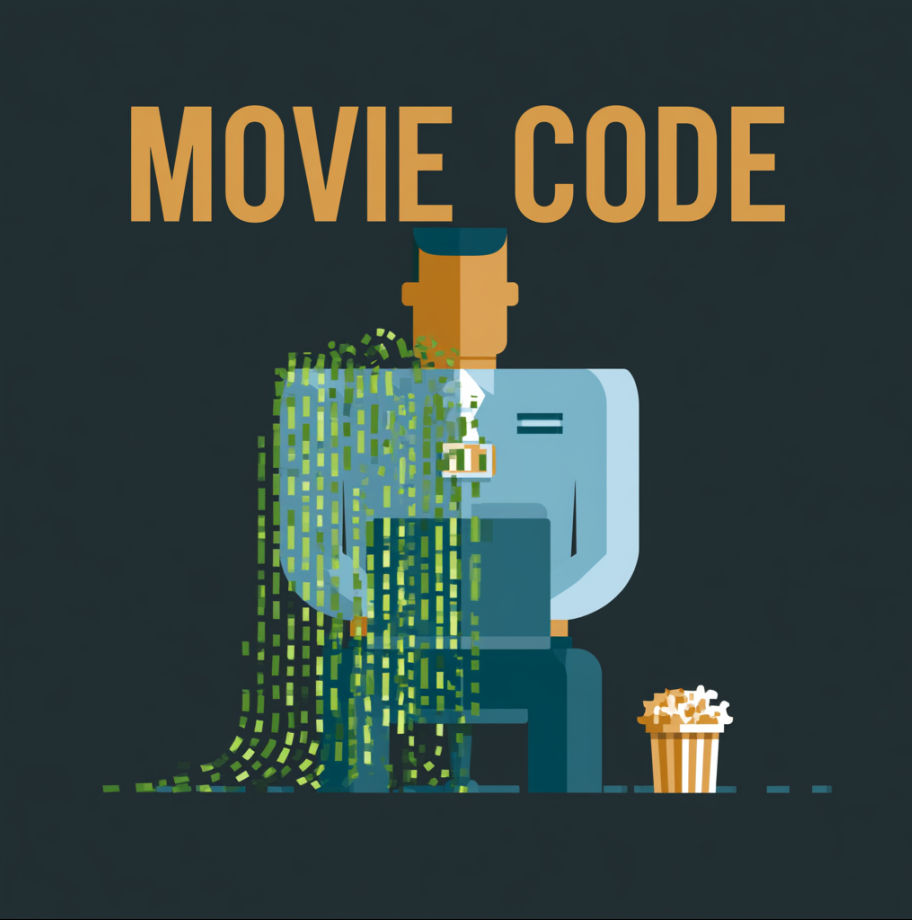
Scene: a friendly office worker at a laptop, cascading "movie code" streaming from the screen, a small badge and a popcorn bucket nearby. Front-on view, simple geometric shapes.
Colour palette: soft blue (#4C8DFF) and warm amber (#FFB454) with green code accents (#3DDC84), on a dark charcoal background (#1E2128).
Style: minimal modern flat design, smooth solid colour shapes, crisp geometric edges, no outlines, no gradients, no shadows, no 3D, no hand-drawn or sketchy look.
Mood: fun, harmless, tongue-in-cheek.
No text. No logos.